
Work with a folder
Read and edit files, run commands, inspect Git, and automate an installed browser.
01 Local-first AI assistant
In one desktop app, inspect folders, edit files, run commands, and turn repetitive tasks into reusable workflows.
Available for Windows and Linux.

02 Task sessions
For each task, see its progress, checks, related files, and next action in one place.

03 Capabilities
Read and edit files, run commands, inspect Git, and automate an installed browser.
Combine prompts, decisions, checks, and human input in reusable flows.
Run a prompt or RALPH flow once, on a schedule, or when a supported event occurs.
Generate, edit, organize, inspect, and export images, SVGs, and supported video assets.
04 Media and schedules
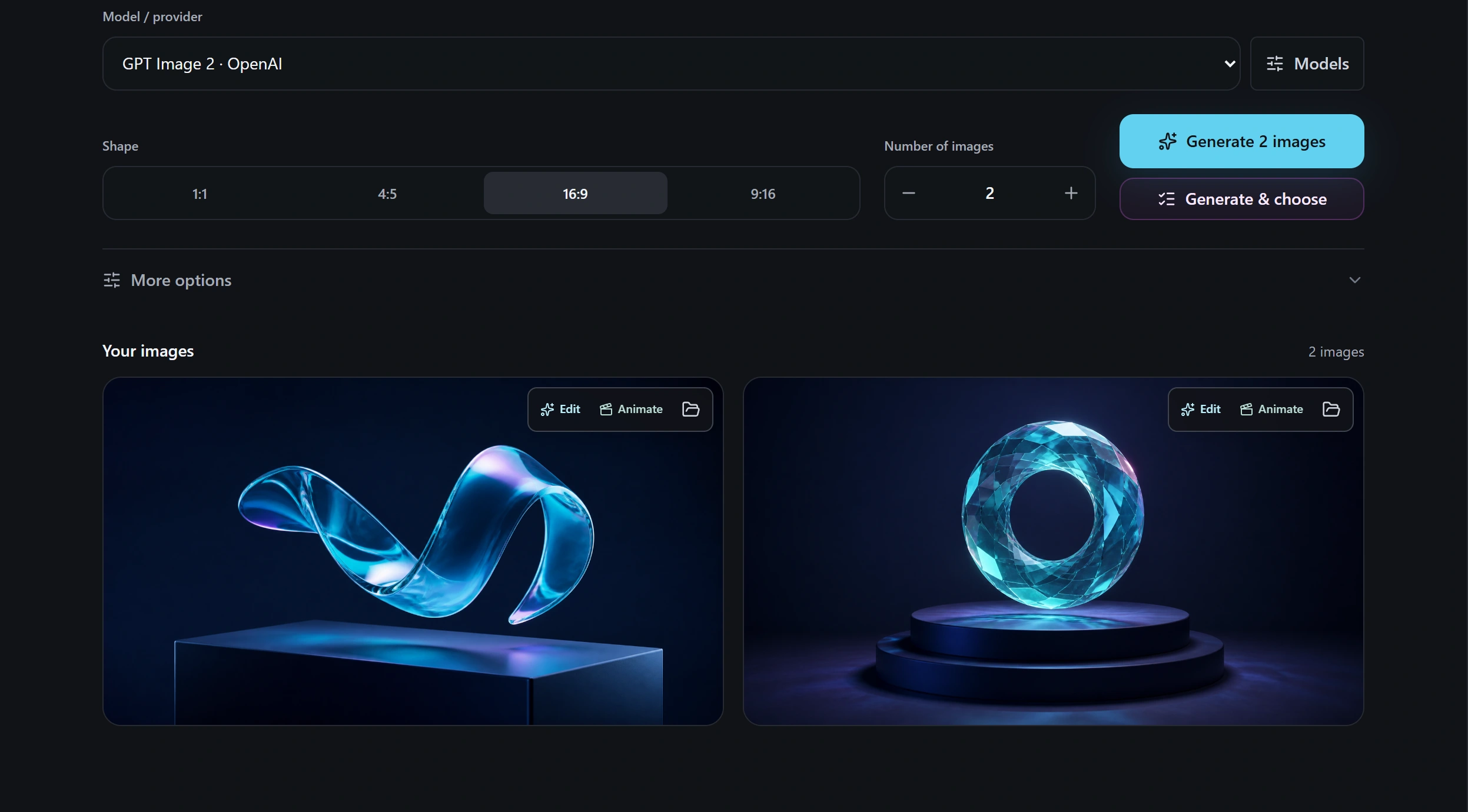
Generate, compare, edit, and animate images.
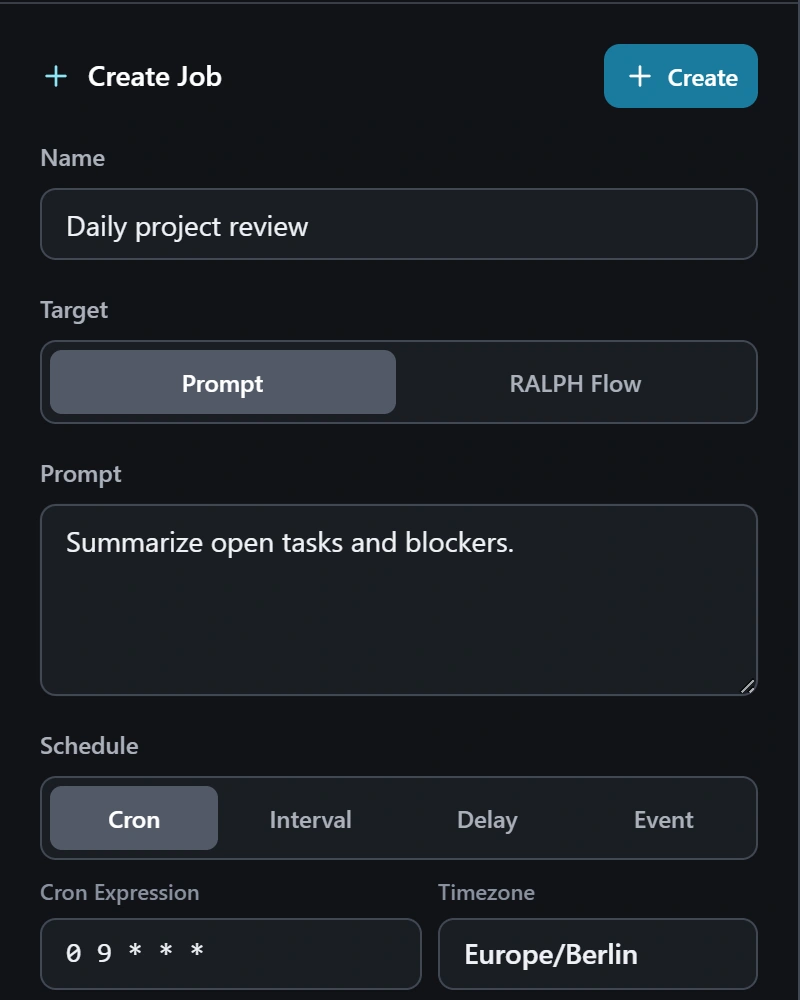
Schedule prompts and RALPH flows.
05 Local-first
Your workspaces, chat history, memory, saved workflows, schedules, settings, and Media Studio assets are primarily kept on your computer. Cloud providers and integrations receive only the information needed for requests you choose to make.
06 Get Machdoch
After installing, connect a model provider with an API key or use an installed, signed-in Codex, Claude, or Copilot CLI.